Now on the App Store

Scheduling belongs in the conversation

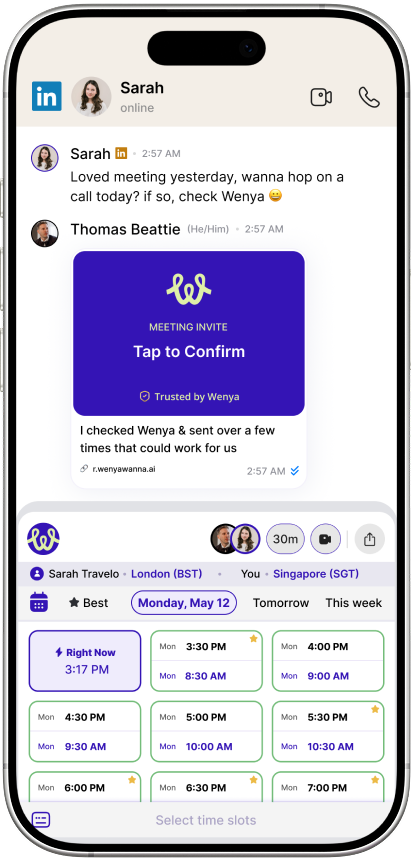
AI scheduling that books meetings, handles time zones, and sends calendar invites in any chat app.


Wenya scheduling a meeting inside a LinkedIn conversation
Best times offered
GMT-08
Sun10
Mon11
Tue12
Wed13
Thu23
Fri24
Sat25
Singapore
10 AM
Busy
11 AM
Busy
Busy
Busy
12 PM

Amelia Sloane
Amelia Sloane
8:20am · Singapore
1:1 with Amelia S
Tue, Oct 12 · 4:00pm SGT

Scheduling today is broken

01
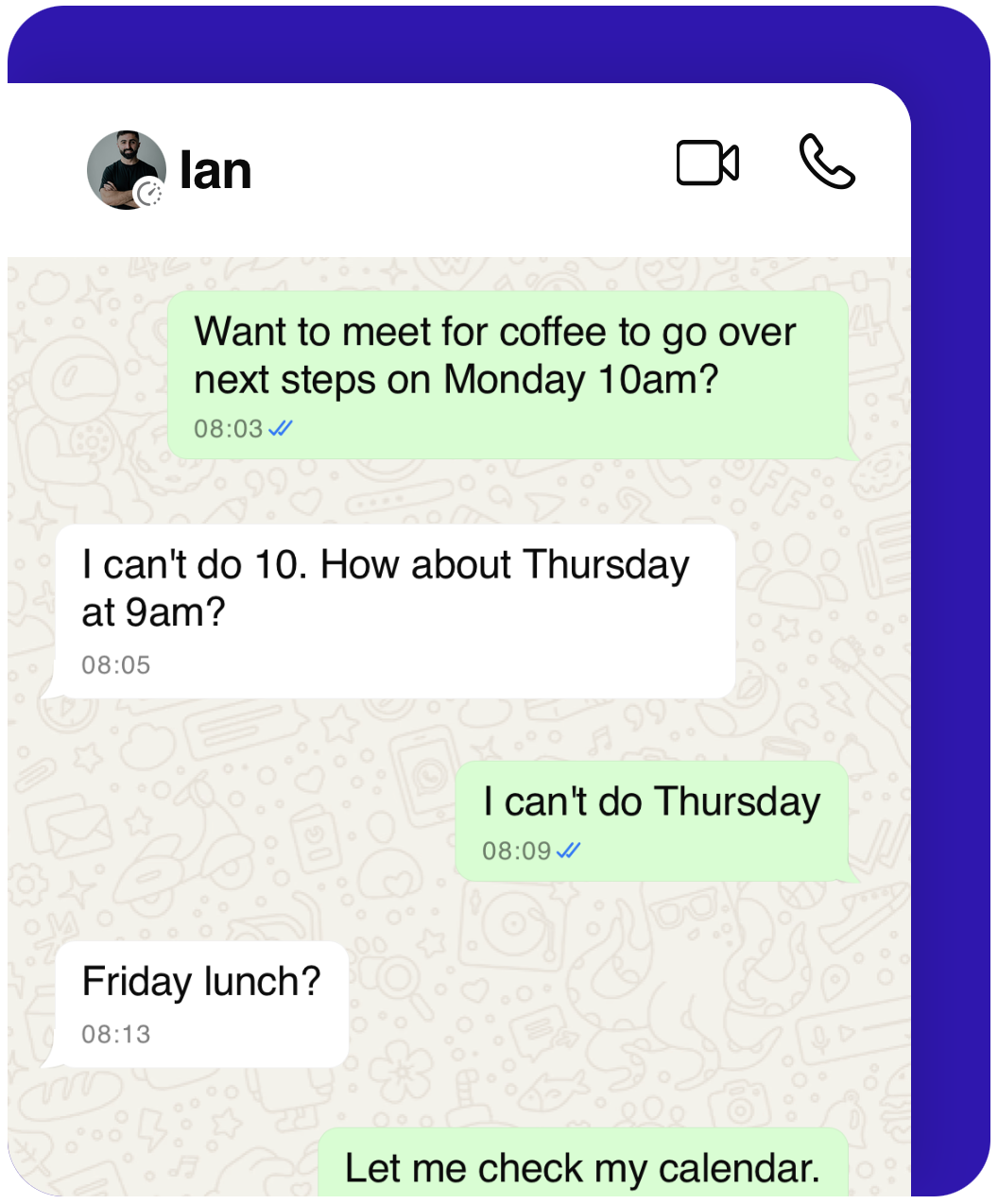
Endless back and forth

“What time works?” Constantly switching apps out of the conversation.

02
Transactional interaction

Calendly links and one-sided scheduling that feels cold and uninviting.

03
Time zone confusion

Painfully difficult to adjust based on global time zones.

The painful back-and-forth of scheduling inside a chat

Scheduling should be this simple

Connecting your calendar apps to Wenya
Sync your calendar to Wenya
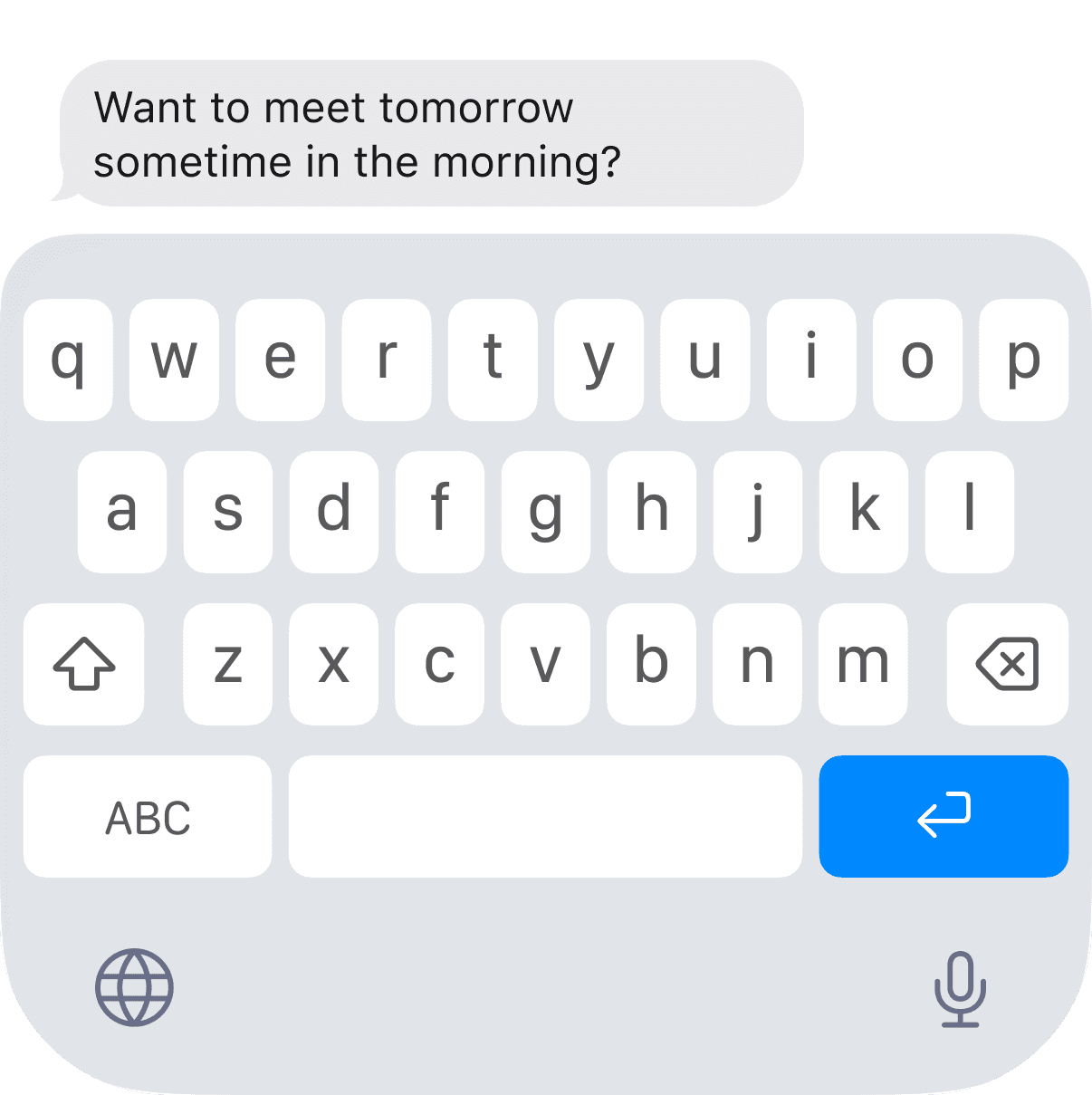
The Wenya keyboard inside a chat app
Open keyboard inside of any chat
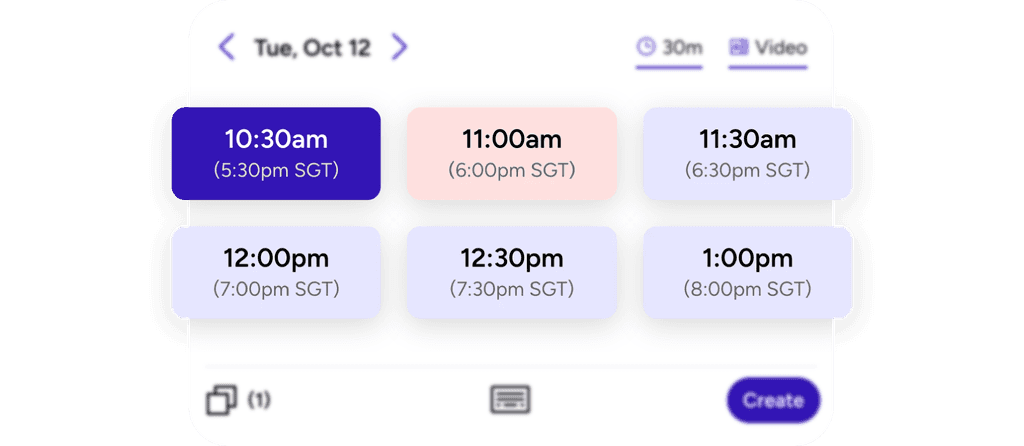
Available time slots offered automatically
Wenya knows your availability
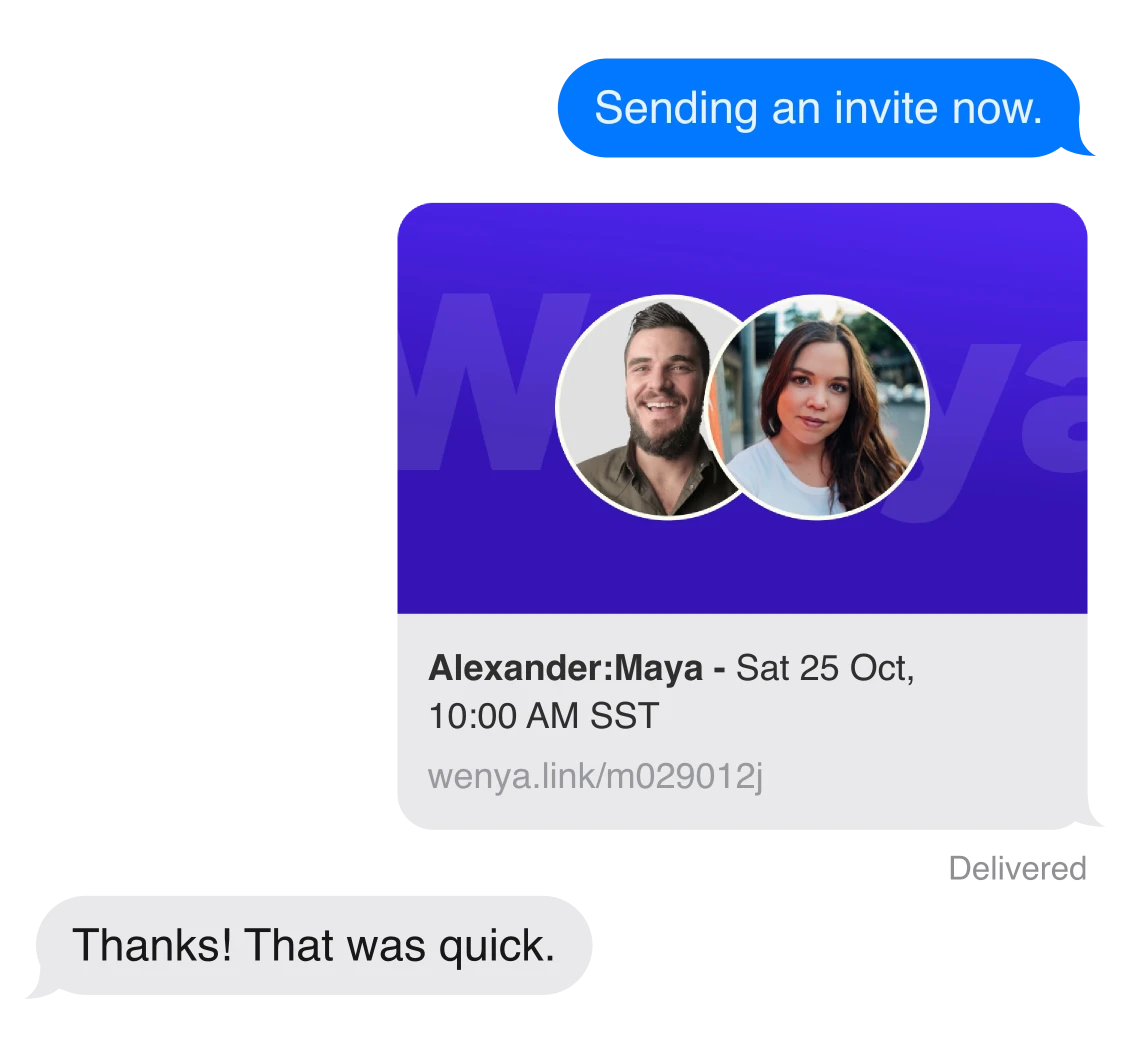
Sending a calendar invite from the chat
Pick a time and confirm

Scheduling should feel genuine and simple.

Wenya shares your availability and schedules meetings directly within any chat. Device-centric and right inside your keyboard — ready to schedule within your conversation.

Global conversations. Local times.

Wenya instantly translates availability across timezones so everyone sees the right time — automatically.

Let's meet at 8am ☕️
8am Tokyo 12am Paris
Time zone is always translated for everyone
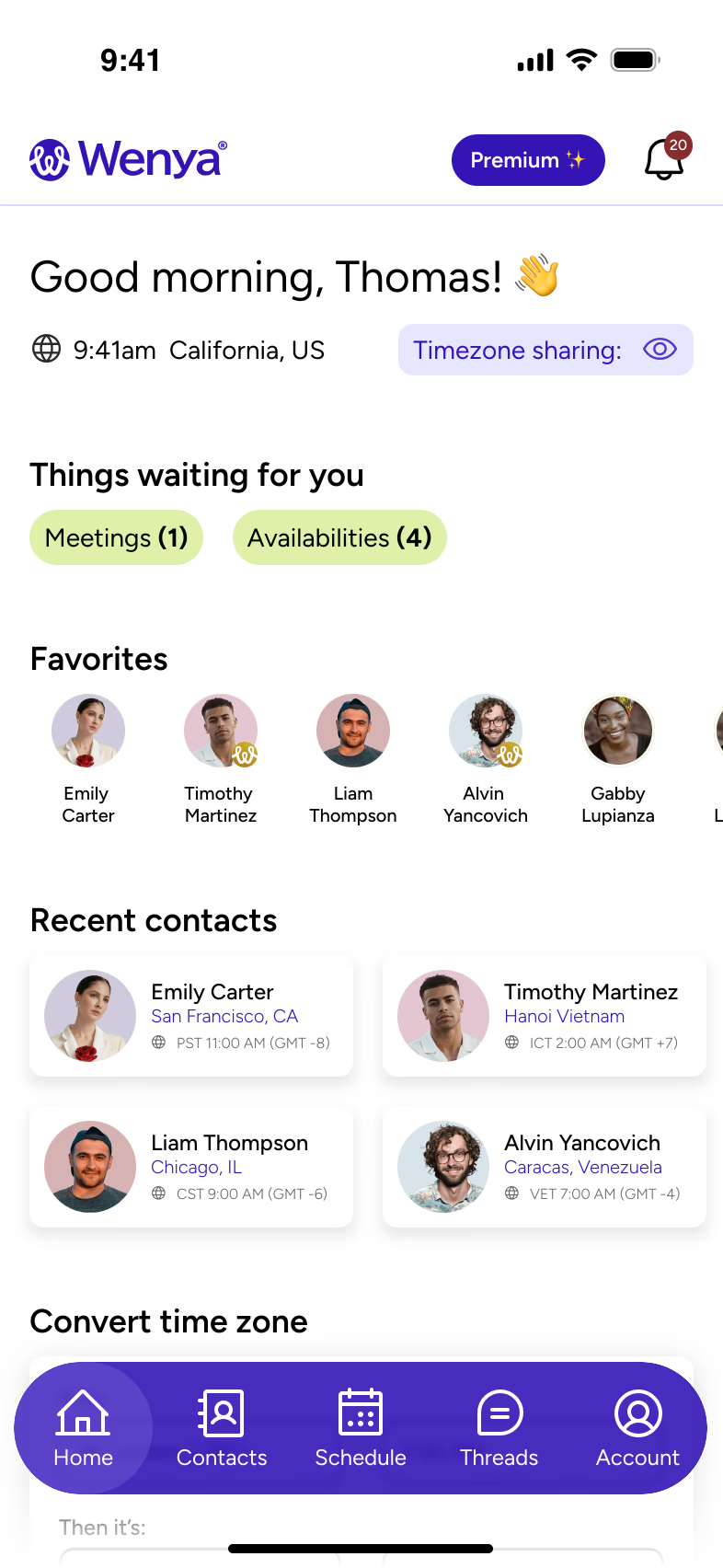
The Wenya app dashboard with availability, contacts and time zones

Your scheduling system, beyond the conversation

Wenya's app brings your availability, preferences, and meetings into one place — so everything you share in chat is always accurate.

How to use Wenya

See the keyboard in action — a few quick demos.

Schedule where conversations happen.

Download on the App Store
QR code linking to Wenya on the App Store Scan to get the app